
 English
 Čeština
 Slovenčina
From six hours in Excel to two minutes in Dishboard: How restaurant Il Pirata Pizzata got a clearer view of the numbers
Six years later, the business has a team of 10 and Simon is balancing restaurant ownership with his work in engineering. That makes one thing particularly valuable: time.
Before Dishboard, keeping on top of the restaurant’s finances meant downloading bank statements, working through Excel spreadsheets and manually categorising invoices. Every couple of weeks, Simon could spend around six hours in an evening trying to get an up-to-date picture of the business.
6 hours → 2 minutes
6 hours → 2 minutes
50–60 invoices a month
saved on invoice categorisation
Up to 4 hours a week
Up to 4 hours a week
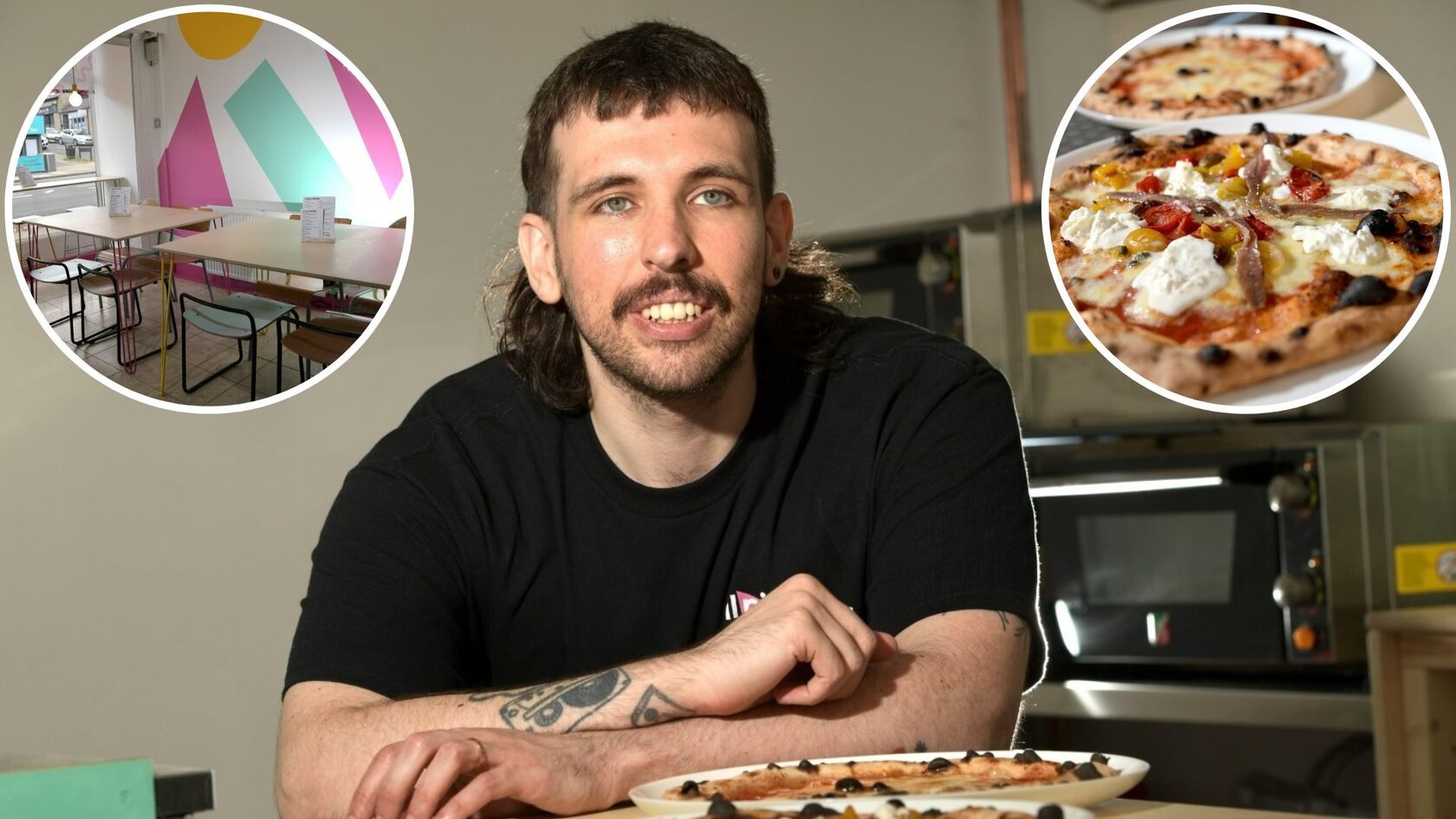
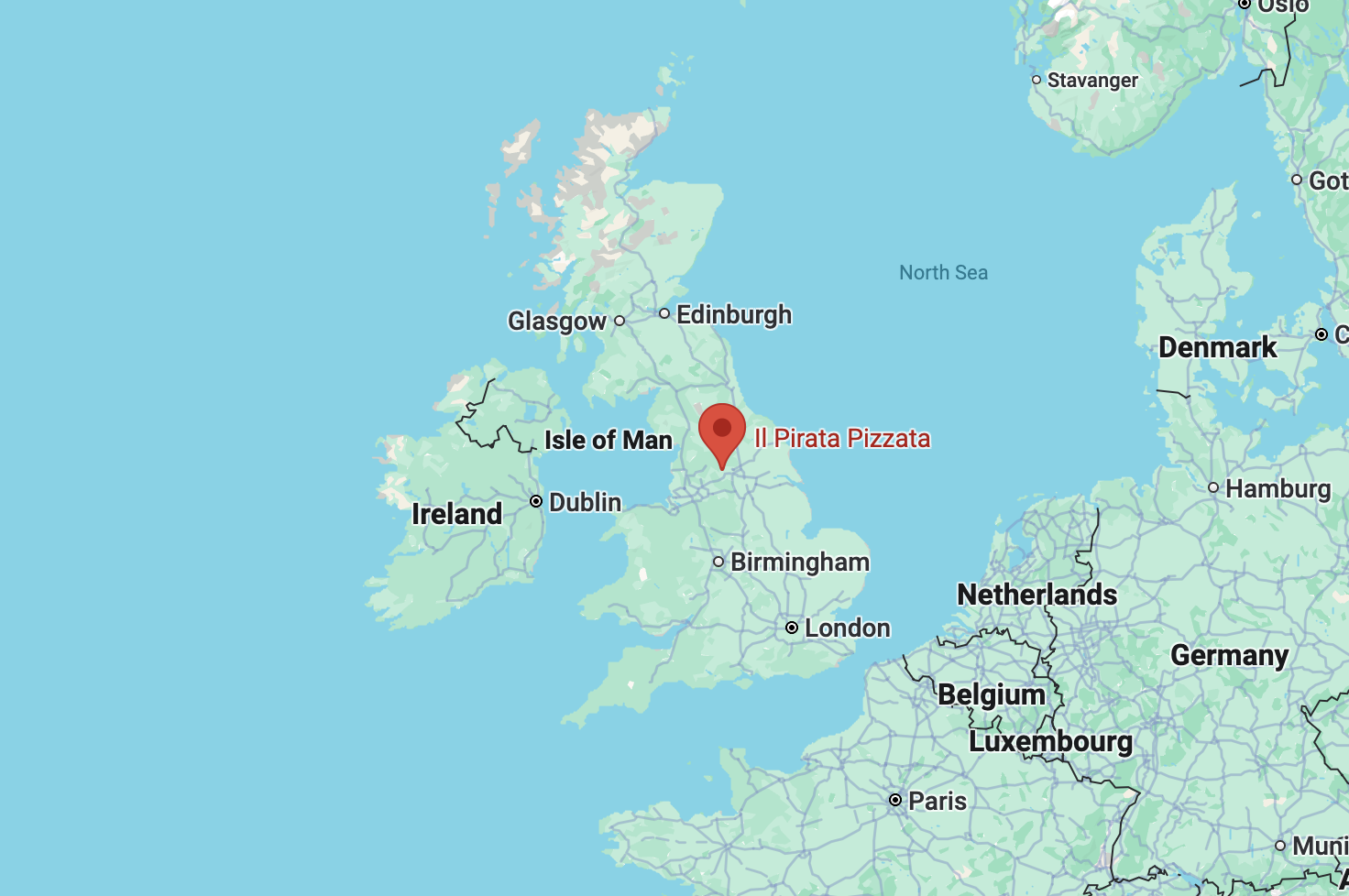
Around a year before COVID, Simon’s wife bought him a pizza oven for his birthday. During lockdown, making pizza became a welcome break from working from home. Then a local bar owner happened to deliver some beer while Simon was making pizzas. Simon made him one. He liked it enough to ask Simon to start doing pop-ups. A local coffee shop later offered its space for Friday and Saturday evenings, and around two years into the journey, premises became available for a permanent restaurant. Il Pirata Pizzata was born.
Even with a management structure and a team of 10, restaurant ownership can mean stepping into whatever role is needed that day – from covering a shift to fixing a leak. And then there are the numbers. Bookkeeping. Supplier invoices. COGS. Labour costs. Income and expenditure. Accounting.
“You have to wear many hats as a business owner.”
For Simon, who is still also working in engineering, spending hours manually processing financial data simply wasn’t sustainable.
“I don't have the time to spend six hours on a night every couple of weeks doing Excel spreadsheets – and then that's not up to date.”
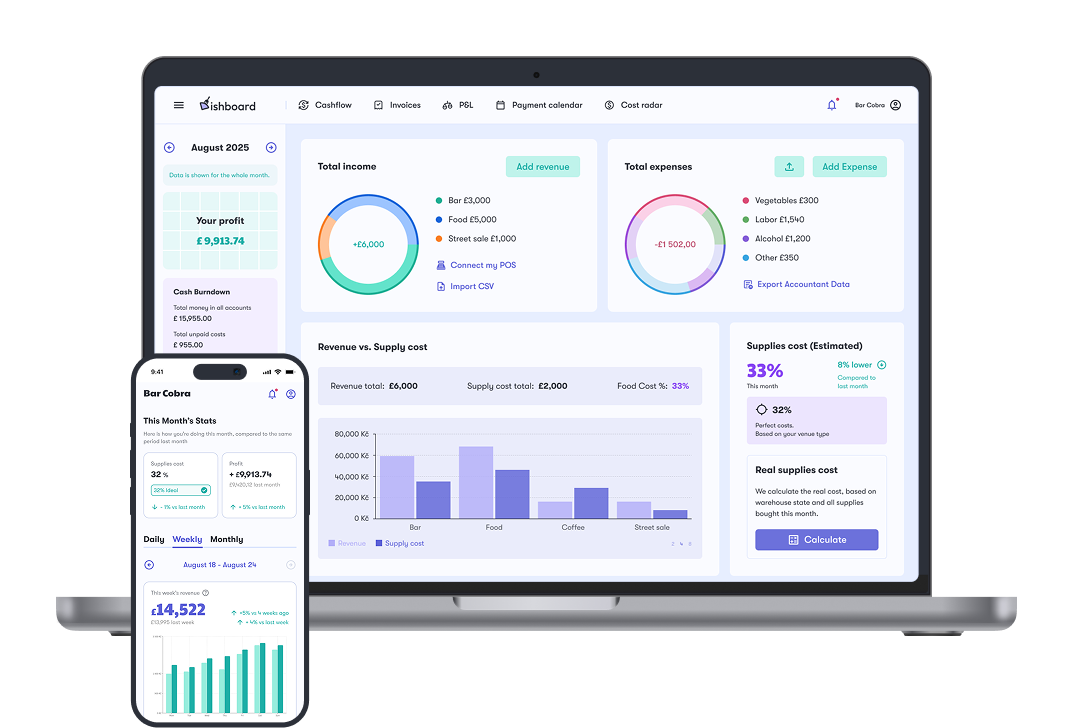
Simon had spent years looking for software that could give him a clear view of costs, income, expenditure and labour versus turnover without requiring hours of manual work. With Dishboard, that snapshot is available in minutes.

Before Dishboard, Simon estimates he was spending around four hours every week just categorising invoices. There was additional work around accounting returns, too – sometimes as much as a full day checking that everything had transferred into the accounting software correctly. Dishboard automated much of that process.
Supplier invoices can be sent directly into the system. Paper invoices can simply be photographed using the app. Dishboard extracts the information, categorises it and prepares the data for export to the accounting software. Once everything is set up, Simon describes the process simply:
“You press a button, it exports to the accounting software, and it’s as simple as that.”
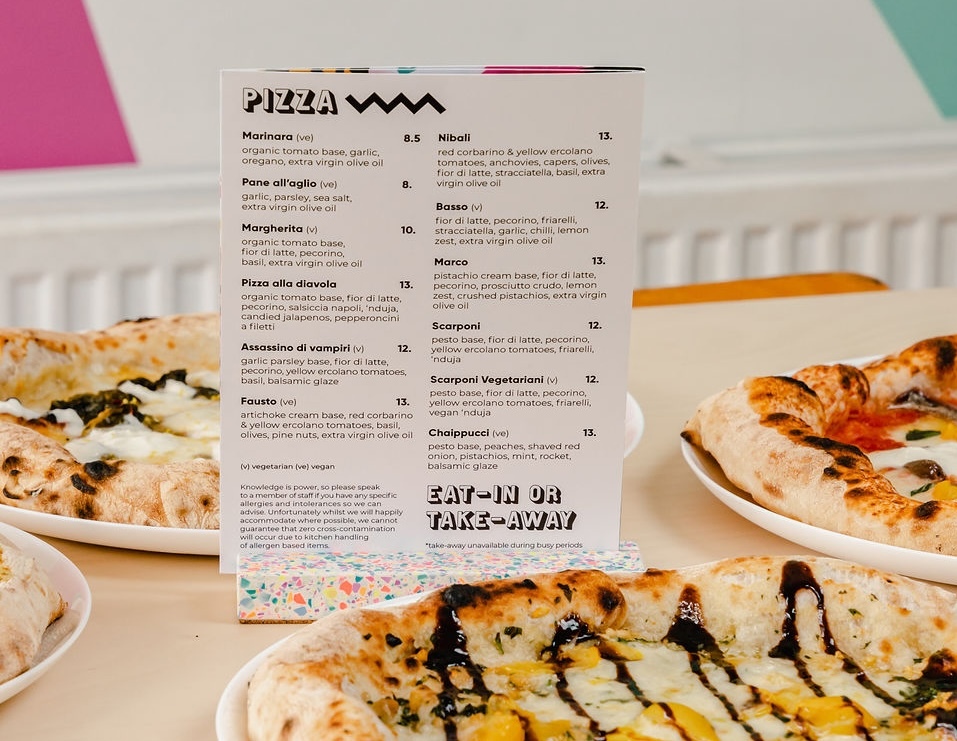
The system extracts the line-item data and can correctly categorise different costs – even when a single invoice contains items belonging to different accounting categories. For Simon, this automatic processing has removed a significant amount of repetitive admin from running the restaurant.
Il Pirata Pizzata can now look at patterns in turnover and use them to make more informed staffing decisions – adding people when demand requires it and reducing staffing levels when it doesn’t. Simon even says he uses the Dishboard data more than the restaurant’s workforce rota and AI system when looking at these patterns. Rather than reacting to one particularly busy or quiet shift, he can look at performance over time and make decisions based on the bigger picture.
With the restaurant’s lease approaching renewal, for example, Simon can use current figures to understand what level of rent the business can realistically support and enter negotiations with the landlord from a much stronger position.
As he puts it, Dishboard allows the business to be “a lot more prepared.”
| Before Dishboard | After Dishboard | |
|---|---|---|
| Financial overview | Hours spent working through Excel | Key figures available in minutes |
| Invoices | Around 4 hours a week spent categorising | Automated invoice categorisation |
| Accounting | Manual checking and transferring of data | Simple export to accounting software |
| Supplier invoices | Mix of email and paper processes | One process for digital and scanned invoices |
| Supplier prices | Changes required manual monitoring | Alerts when individual prices change |
| Labour costs | Harder to see in context | Labour tracked against turnover |
| Decision-making | Individual weeks could dominate the picture | Longer-term trends visible in one place |
“If I'd known about Dishboard 18 months ago, it would've been a lot smoother sailing.”
And he has already recommended it to other hospitality operators. For Simon, the value comes down to something simple: restaurant owners didn’t get into hospitality because they wanted to spend their evenings acting as accountants.
Frequently asked questions about Dishboard
The exact saving depends on the restaurant and its existing processes. Before Dishboard, Simon estimates he spent around four hours a week categorising invoices, as well as several hours every couple of weeks working through Excel. With Dishboard, he says he can now access the figures he needs in around two minutes.
Yes. Il Pirata Pizzata has suppliers that send invoices digitally as well as suppliers that still provide paper documents. Digital invoices can be sent to Dishboard, while paper invoices can be photographed through the app for processing and categorisation.
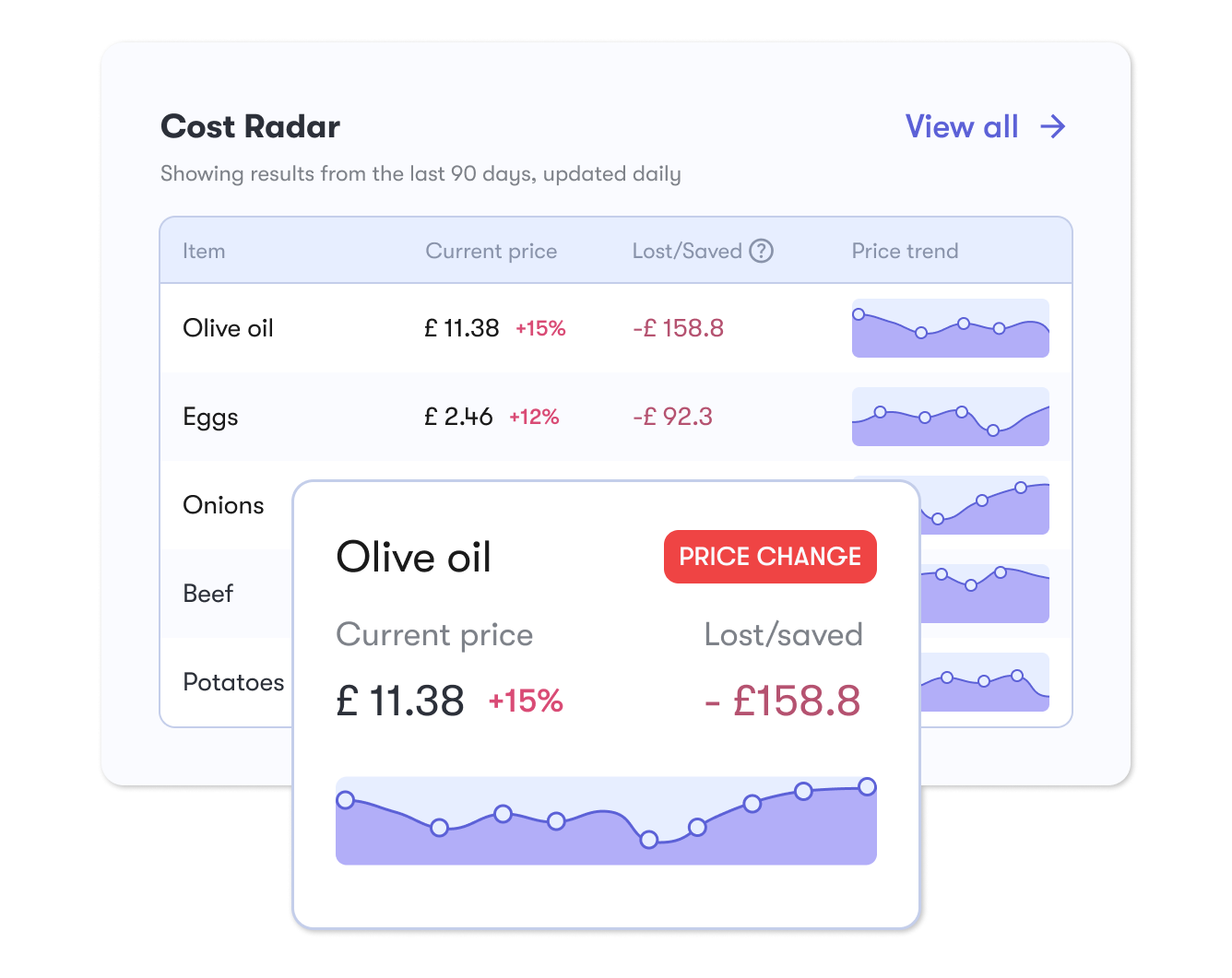
Yes. Dishboard tracks changes in individual line-item prices. At Il Pirata Pizzata, Simon was alerted when the price of olive oil increased by around £5, giving him the opportunity to compare alternatives or discuss the increase with his supplier.
Dishboard allows restaurant operators to view labour costs alongside turnover and other business data. Il Pirata Pizzata uses this information to identify staffing patterns and make more informed decisions about when more or fewer team members are needed.
Dishboard works alongside Il Pirata Pizzata’s accounting software rather than replacing it. It automates much of the work involved in collecting and categorising invoice data, after which Simon can export the information into the accounting system.